
We have partnered with Affirm to bring you more purchasing power. Affirm is an easier and faster way of paying for your new KC lights over time. Leave the card in your wallet, because when you choose to buy with Affirm you can get your order now and split your purchase total into multiple, budget friendly payments. It’s that easy!
As you browse our website and get to our product pages you will see a "As low as.." near the add to cart button.
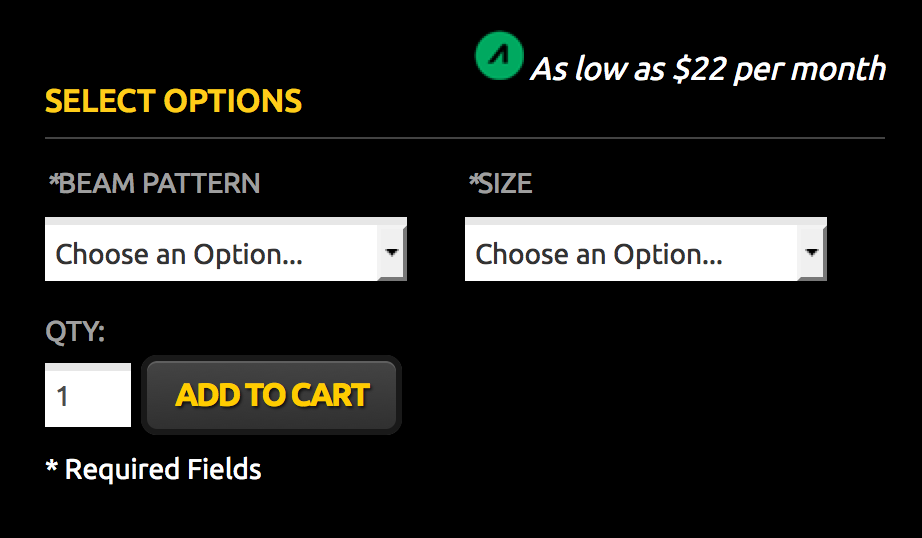
This tells you an approximate monthly cost based on the total cost of each product. This is just an estimate and a final monthly cost will be calculated during checkout.
You can add multiple products to cart and Affirm will provide a total monthly price for all products you want to buy. During checkout just choose AFFIRM as your payment method and after the simple online credit check your products will be on their way!
Step by Step Instructions:
1. Add the products that you would like to purchase to cart on the website.
2. Click "Proceed to Checkout"
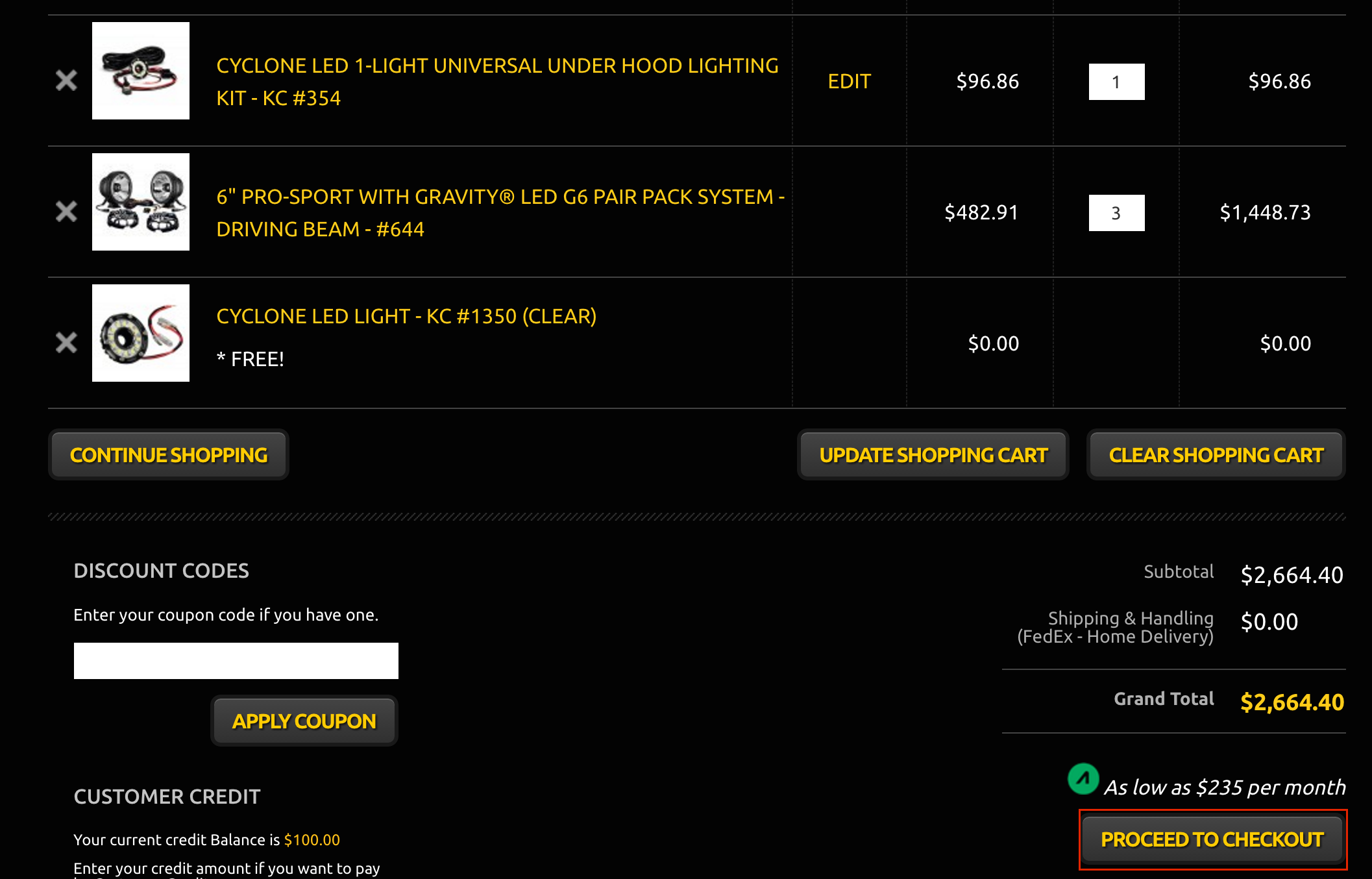
3. Register a new account or login with an existing account.
4. Follow the steps to enter your billing information, shipping information and shipping method.
5. When you get to the payment selection screen, select Affirm.
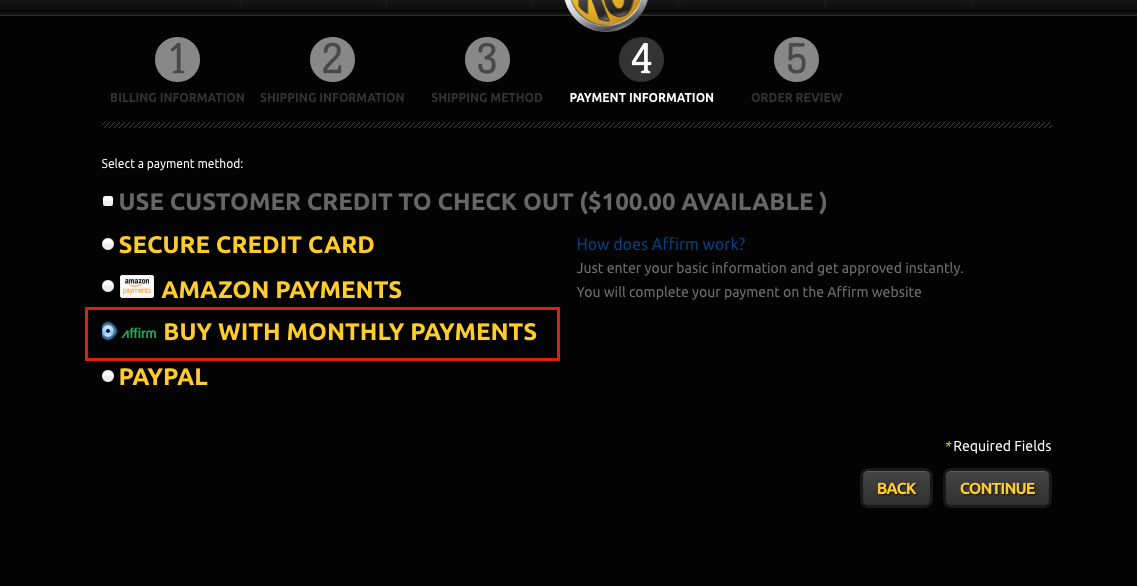
6. Click "continue"
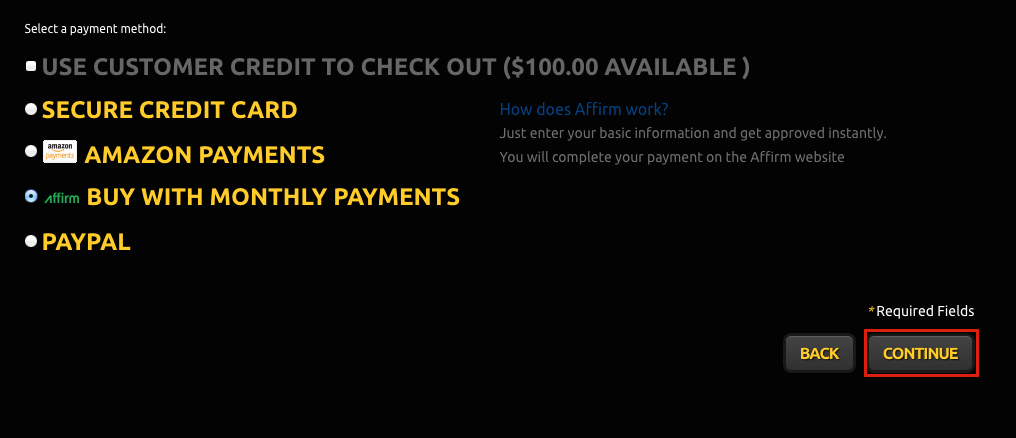
7. Click "Place Order"
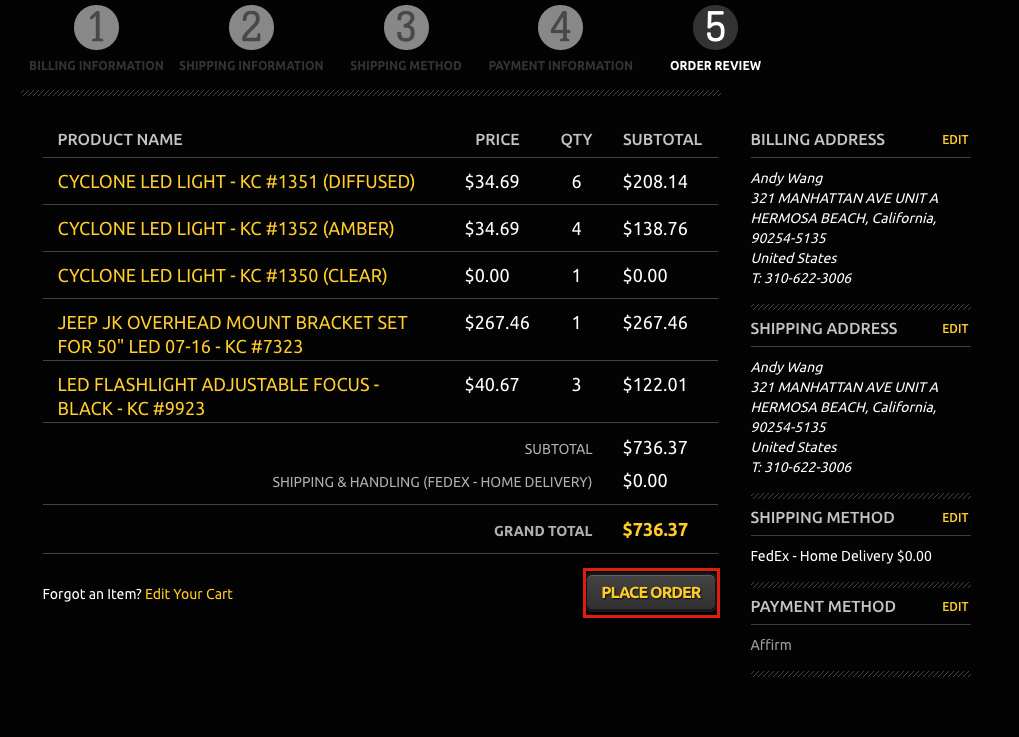
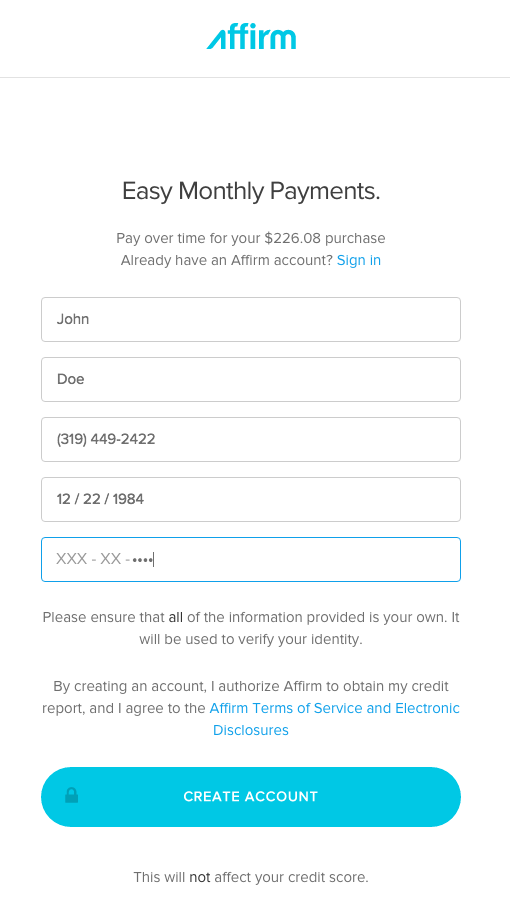
8. You will be redirected to Affirm's website where you can create an account:
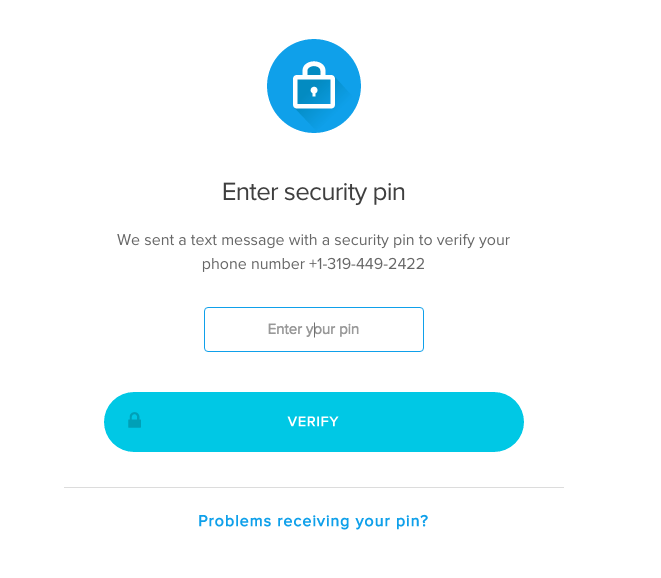
9. You will be asked to verify your mobile number with a 4 digit pin
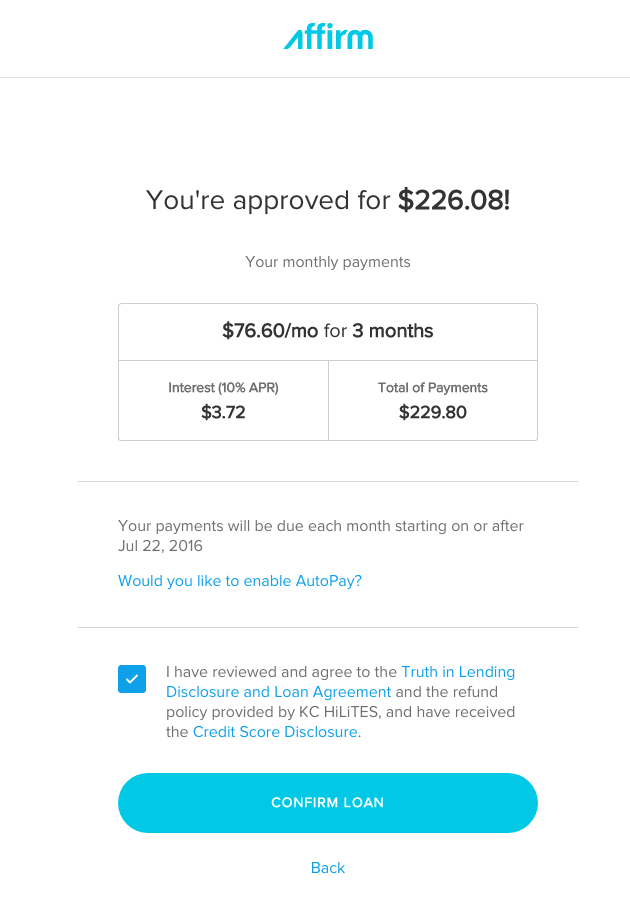
10. After Affirm verifies your account, you will have the option to select the terms of your financing (example shown):
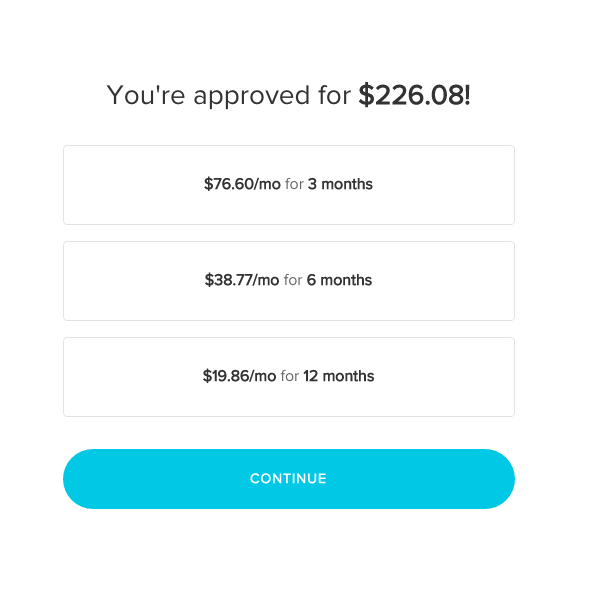
11. Select the option you would like and click "continue".
12. Review and click "Confirm Loan" when you are ready to make the purchase.
How do I check the status of my Affirm payment?
You can check the status of your Affirm payment by signing in to your Affirm account and reviewing your active loan or payment schedule. Affirm will show your payment due dates, payment history, and any completed or pending payments. If you need assistance with a specific payment status, please contact Affirm directly for the most accurate information about your account.
How are available credits applied to invoices or purchases?
If you have available credits, Affirm applies them according to your loan or account terms. In most cases, credits are applied to your Affirm balance or future scheduled payments rather than directly changing the original order total. If you believe a credit should have been applied to an invoice or purchase but it does not appear on your account, please review your Affirm account details or contact Affirm Support for assistance.
Comments
0 comments
Please sign in to leave a comment.